


How do I contact the seller?
Buyer and seller can communicate with each other through live chat on Z2U.COM. You will be able to find the contact section on the product categories or directly chat with the seller through the order details page.
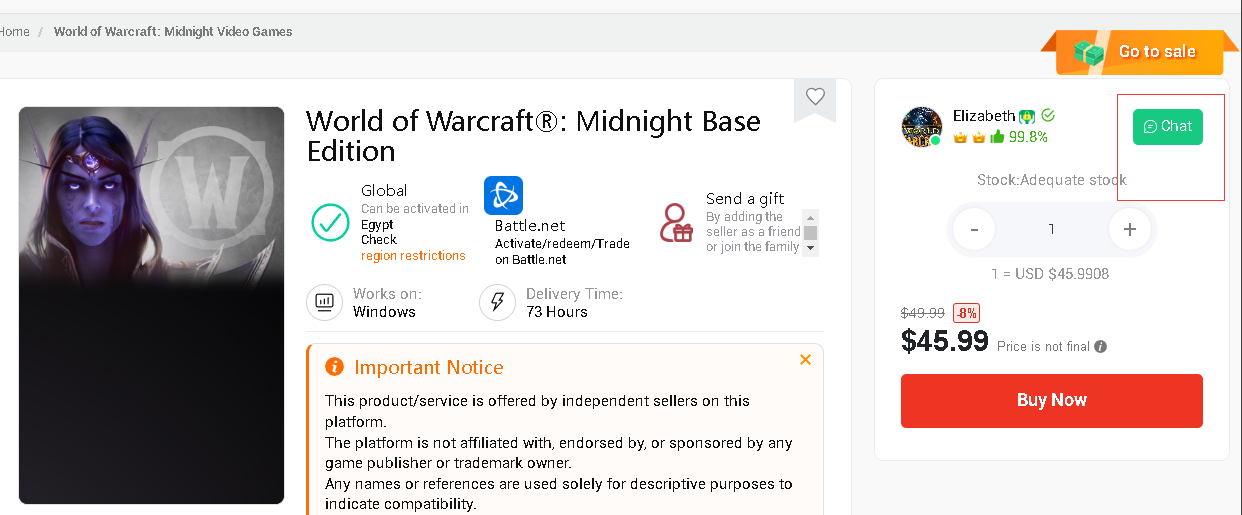
How to contact seller through product details page (Before ordering):
Buyers can find the button that connects with the seller on the product details page. Z2U support suggests you communicate with the seller before making the purchase and specify the details of the product.
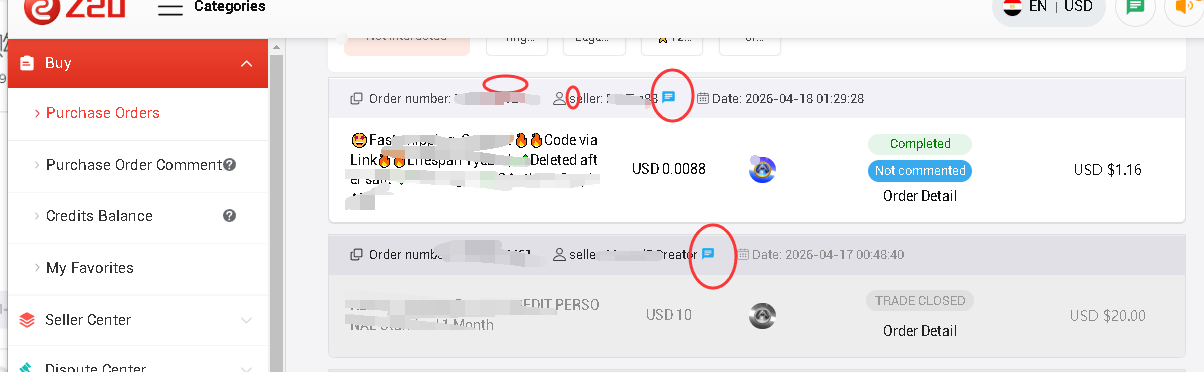
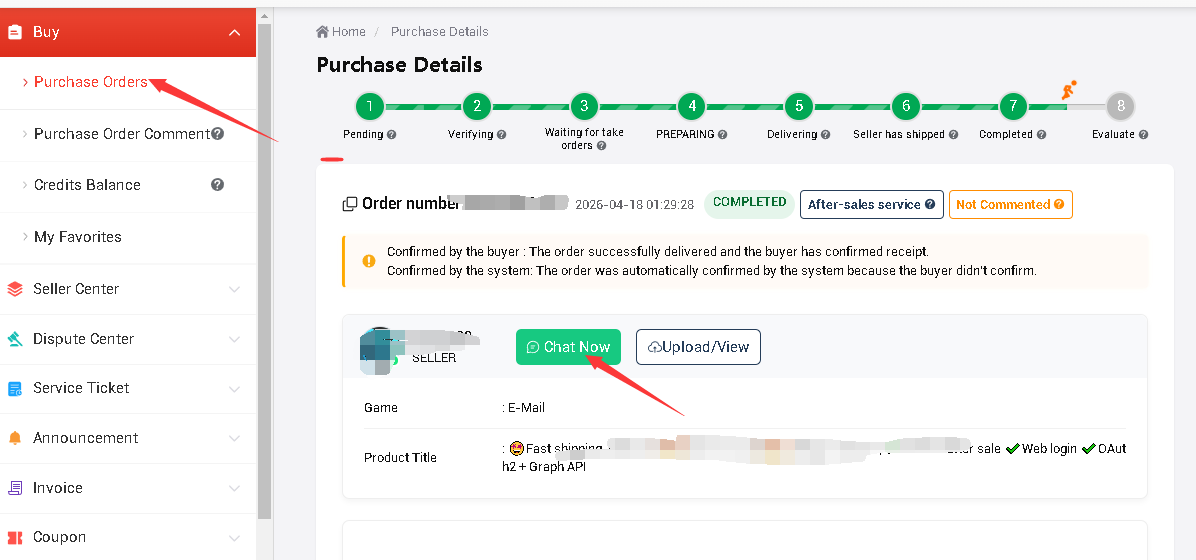
How to contact seller on the order details page (After ordering):
The buyers will be able to find the chat button on the order details page after successfully paid the order.
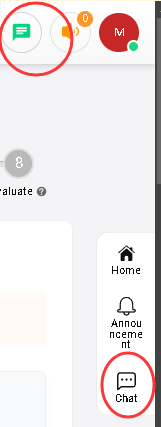
To check your messages, you can find the chat button on the top banner or right navigation bar.
Please let us know if you met any bugs or problems when chatting. Our support email : [email protected]











ПОДДЕРЖКА
ЮРИДИЧЕСКИЙ
Политика






 USD ($)
 English
  центр помощи